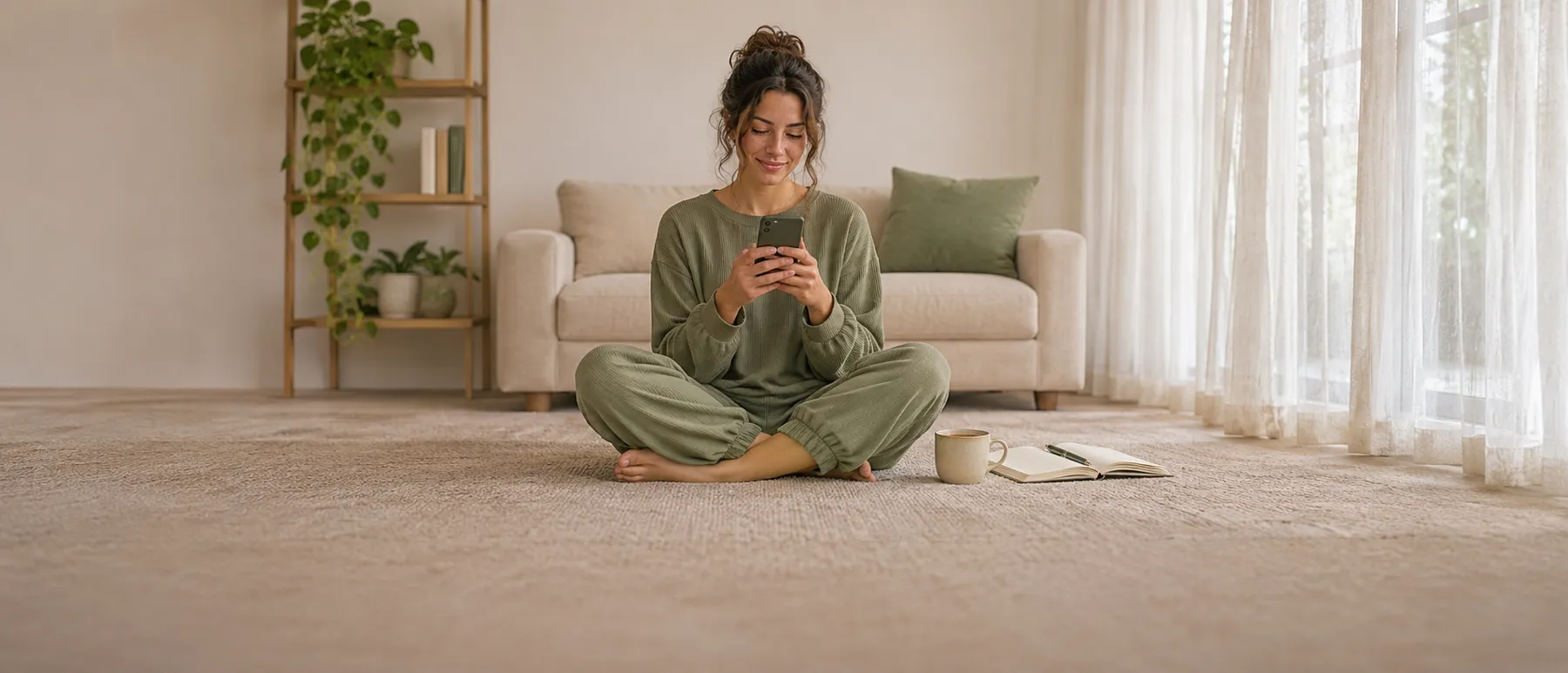
Doomscrolling means continuing to scroll through bad news or upsetting content on your phone or computer, even though it makes you feel worse. To stop doomscrolling, notice your triggers, set limits on news and social media, move apps out of easy reach, choose a few trusted news sources at set times and replace late-night scrolling with a calmer habit.
What is doomscrolling?
Doomscrolling is the habit of spending long stretches scrolling through negative news or social media posts, often without noticing how much time has passed. The term became widely used in 2020, when many people spent hours following news about the pandemic and other crises. It is sometimes called doomsurfing, and Merriam-Webster added the word to its watch list that same year.
Doomscrolling is different from simply staying informed. Reading the news once or twice a day helps you understand what is happening. Doomscrolling is repetitive and hard to stop, usually brings little new information and tends to leave people more anxious or hopeless than before. It often happens late at night or first thing in the morning, when people reach for their phones out of habit.
- Scrolling through bad news for much longer than you intended.
- Feeling worse after scrolling but continuing anyway.
- Checking the same stories repeatedly for updates.
- Losing sleep because of late-night scrolling.
Why do we doomscroll?
People doomscroll partly because the brain pays extra attention to threats. Psychologists call this the negativity bias, the tendency to notice and remember bad information more strongly than good [1]. Across many countries, people show stronger physical reactions to negative news than to positive news [2], which helps explain why upsetting headlines are so hard to look away from.
Uncertainty adds to the pull. When something worrying is happening, scrolling can feel like a way to stay prepared or regain a sense of control, even though it rarely provides real answers. Apps also make it easy to keep going with endless feeds, autoplay and notifications, so there is no natural point to stop. Tiredness and boredom lower self-control further, which is why scrolling in bed is especially common.
Is doomscrolling bad for you?
Research on doomscrolling is still fairly new, but early studies point in a consistent direction. In a survey study, people who doomscrolled more reported lower mental well-being and life satisfaction [3]. Another study found that frequent doomscrolling was linked with more anxiety about the world and a more negative outlook [4]. These studies show associations, so they cannot prove that scrolling alone causes the effects.
Research on heavy news exposure supports similar concerns. After the 2013 Boston Marathon bombings, people who spent many hours a day following media coverage reported more acute stress than some people who were there in person [5]. Late-night scrolling can also cut into sleep, and poor sleep makes it harder to handle stress the next day.
- Lower mood and more anxiety after long scrolling sessions.
- Feeling helpless about problems you cannot control.
- Less sleep when scrolling happens at night.
- Less time for activities that restore energy.
Who is most likely to doomscroll?
Anyone can fall into doomscrolling, but some situations make it more likely. Periods of major news, such as elections, conflicts or disasters, tend to increase it for almost everyone. People who already feel anxious, lonely or stressed may also find it harder to stop, because scrolling can feel like a way to cope with those feelings, even when it makes them worse.
Habits matter too. People who use their phone as the last thing at night and the first thing in the morning have more opportunities to start scrolling without thinking. Recognizing that your situation, rather than a lack of willpower, is driving the habit makes it easier to change your surroundings instead of blaming yourself.
How to stop doomscrolling: 9 steps
Breaking a doomscrolling habit is less about willpower and more about changing the cues and routines around it. These nine steps make scrolling harder to start, easier to stop and less rewarding, while giving you better ways to stay informed. You do not need all nine. Start with the two or three that fit your biggest triggers.
Most people find that small changes in their environment, such as where the phone sleeps at night, make more difference than promises to scroll less. Changing the setup removes the need to decide again every evening, which matters because self-control is usually lowest at the end of the day.
1. Notice when and why you scroll
Spend a few days noticing when doomscrolling happens. Is it in bed, during work breaks, while waiting or when you feel anxious? Knowing your triggers shows where to make changes. Your phone's screen time report can show which apps and times take up the most attention.
It also helps to notice how you feel before and after a scrolling session. Many people find that they reach for the phone when they feel tired, lonely or uneasy, and leave it feeling worse. Writing down a quick note for a few days makes these patterns obvious and gives you a clear starting point for change.
2. Set time limits on news and social media
Use built-in app limits to cap time on social media and news apps, for example 20 to 30 minutes a day. When the limit appears, it creates a natural pause to ask whether you really want to continue. In one experiment, students who limited social media to about 30 minutes a day for three weeks reported less loneliness and depression [6].
3. Choose set times for news
Instead of checking the news constantly, choose one or two set times a day, such as after breakfast and early evening. Use a few trusted sources rather than endless feeds. Reading a daily news summary or newsletter gives you the main updates without the pull of an infinite scroll.
4. Turn off non-essential notifications
Breaking news alerts and social media notifications pull you back into scrolling throughout the day. Turn off all notifications that are not truly important. You can still check the news at your chosen times, but your phone will no longer decide when you look.
5. Move apps out of easy reach
Move news and social media apps off your home screen or into a folder, or log out after each use. Adding a few seconds of effort is often enough to interrupt automatic scrolling. Some people delete the most tempting apps from their phone and use them only on a computer, where sessions tend to be shorter and more deliberate. Switching your screen to grayscale is another small barrier that makes endless feeds a little less appealing.
6. Keep your phone out of the bedroom
Late-night scrolling is one of the most common forms of doomscrolling. Charging your phone outside the bedroom and using a simple alarm clock removes the temptation entirely. If that is not possible, put the phone across the room so you have to get up to use it.
7. Curate your feeds
Unfollow or mute accounts that mainly post outrage or upsetting content, and follow some that share useful, calm or uplifting material. Your feed shapes your mood more than you might expect, so a little curation can make your time online more pleasant even when you do scroll. A quick monthly review of who you follow keeps the feed from drifting back toward outrage.
8. Use a stop signal
When you notice yourself doomscrolling, use a simple stop signal, such as putting the phone face down and taking three slow breaths. Then ask yourself whether the last few minutes gave you anything useful. This short pause helps you switch from automatic scrolling to a conscious choice.
9. Take action where you can
Doomscrolling often feeds a sense of helplessness. Taking a small, practical action on an issue you care about, such as donating, volunteering or helping someone nearby, can turn worry into something constructive.
Focusing on what you can influence also makes it easier to let go of what you cannot. Even a small step, repeated regularly, tends to feel better than another hour of reading about the problem, and it gives your attention somewhere useful to go. Our guide on [how to stop overthinking](https://ultiself.com/blog/how-to-stop-overthinking) offers more ways to quiet repetitive worry.
What to do instead of doomscrolling
Stopping a habit is easier when you replace it with something else. The best replacement meets the same need that scrolling was meeting, whether that is rest, distraction, connection or a sense of control. Planning replacements in advance means you have an option ready at the moment the urge appears.
Matching triggers to replacements is a practical way to start. Pick one or two that fit your days, and keep what you need, such as a book by the bed, close at hand.
| When you usually doomscroll | Try this instead |
|---|---|
| In bed at night | Read a paper book or listen to calm audio |
| First thing in the morning | Drink water, open the curtains and stretch |
| During work breaks | Take a short walk or step outside |
| When feeling anxious | Try slow breathing or write down your worries |
| When bored or waiting | Listen to a podcast or message a friend |
| After big news events | Read one trusted summary, then do something practical |
Replacement habits take a little time to feel natural. Expect a few evenings when you still reach for your phone, and simply switch to your chosen alternative once you notice. Our guide on [how to break bad habits](https://ultiself.com/blog/how-to-break-bad-habits) explains why this kind of swap works.
How to stop doomscrolling step by step
Reducing doomscrolling works best when new habits replace the old pattern. Each step in this plan connects to a habit, so you can build healthier screen routines gradually and track how they affect your mood and sleep.
Start with the steps that target your biggest trigger, such as night-time scrolling. Once those feel natural, add others. Our guide on [how to reduce screen time](https://ultiself.com/blog/how-to-reduce-screen-time) covers broader screen habits.
| Step | Why it may help | Habit to practice |
|---|---|---|
| End the evening without screens | Removes the most common scrolling time | [Digital sunset](https://ultiself.com/habits/digital-sunset) |
| Do a regular digital clean-up | Reduces notifications and tempting apps | [Digital cleanse](https://ultiself.com/habits/digital-cleanse) |
| Replace scrolling with reading | Gives a calmer evening alternative | [Reading](https://ultiself.com/habits/reading) |
| Take breaks outside | Breaks the scroll habit during the day | [Walk outside](https://ultiself.com/habits/walk-outside) |
| Write down worries | Moves anxious thoughts onto paper | [Journaling](https://ultiself.com/habits/journaling) |
| Practice noticing urges | Builds awareness before scrolling starts | [Mindfulness](https://ultiself.com/habits/mindfulness) |
With Ultiself, you can track these habits and see how fewer scrolling sessions relate to your mood and sleep, which makes progress easier to notice. Even a few scroll-free evenings a week can show a clear difference in how rested you feel.
Common questions
What does doomscrolling mean?
Doomscrolling means continuing to scroll through bad news or upsetting content online, even though it makes you feel worse. It is often repetitive, hard to stop and happens late at night.
Why do I doomscroll?
The brain gives extra attention to threats, uncertainty makes scrolling feel like a way to stay prepared and apps make it easy to keep going. Tiredness and boredom make it harder to stop.
Is doomscrolling bad for mental health?
Studies link frequent doomscrolling with lower well-being and more anxiety, though they cannot prove scrolling alone causes these effects. Late-night scrolling can also reduce sleep.
How do I stop doomscrolling at night?
Charge your phone outside the bedroom, set a screen-free hour before bed and keep a paper book or calm audio as an alternative. Turning off notifications in the evening also helps.
How can I stay informed without doomscrolling?
Choose one or two trusted sources and check the news at set times each day, for example through a daily summary or newsletter. Turn off breaking news alerts.
Sources
- Baumeister RF, Bratslavsky E, Finkenauer C, Vohs KD. Bad is stronger than good. Review of General Psychology, 2001.
- Soroka S, Fournier P, Nir L. Cross-national evidence of a negativity bias in psychophysiological reactions to news. Proceedings of the National Academy of Sciences, 2019.
- Satici SA, Gocet Tekin E, Deniz ME, Satici B. Doomscrolling scale: its association with personality traits, psychological distress, social media use, and wellbeing. Applied Research in Quality of Life, 2023.
- Sharma B, Lee SS, Johnson BK. The dark at the end of the tunnel: doomscrolling on social media newsfeeds. Technology, Mind, and Behavior, 2022.
- Holman EA, Garfin DR, Silver RC. Media's role in broadcasting acute stress following the Boston Marathon bombings. Proceedings of the National Academy of Sciences, 2014.
- Hunt MG, Marx R, Lipson C, Young J. No more FOMO: limiting social media decreases loneliness and depression. Journal of Social and Clinical Psychology, 2018.